Ask Nathan Academy

    AI sales tools — what actually works in 2026

    Every vendor calls themselves an “AI sales platform.” This guide cuts through the category and explains where AI genuinely helps B2B sales teams — and where it quietly burns goodwill.

    The three honest use cases for AI in sales

    1. Prioritization. Scoring a backlog of leads or accounts by fit and trust signals is something AI does well, because it’s pattern matching over structured data.

    2. Drafting. Generating intro asks and outreach copy from real context (not invented relationships) saves reps real time on the first draft.

    3. Grounded Q&A. Letting reps ask questions of their own data (CSVs, account notes) is high leverage when the assistant cites sources.
    Where AI sales tools fail

    The failures cluster around fabrication: claiming a relationship that doesn’t exist, hallucinating titles, inventing “mutual connections,” or generating outreach that pretends to know things the rep doesn’t.

    Buyers can tell. One fabricated intro burns the channel for months.

    What to look for in 2026

    • Grounded outputs — the tool cites the rows it used
    • Verify-before-action — drafts, never autosend
    • Explainable scores — no black boxes
    • Clear data sourcing — no scraping, no claimed integrations that don’t exist
    • Admin-approved integrations for live CRM data

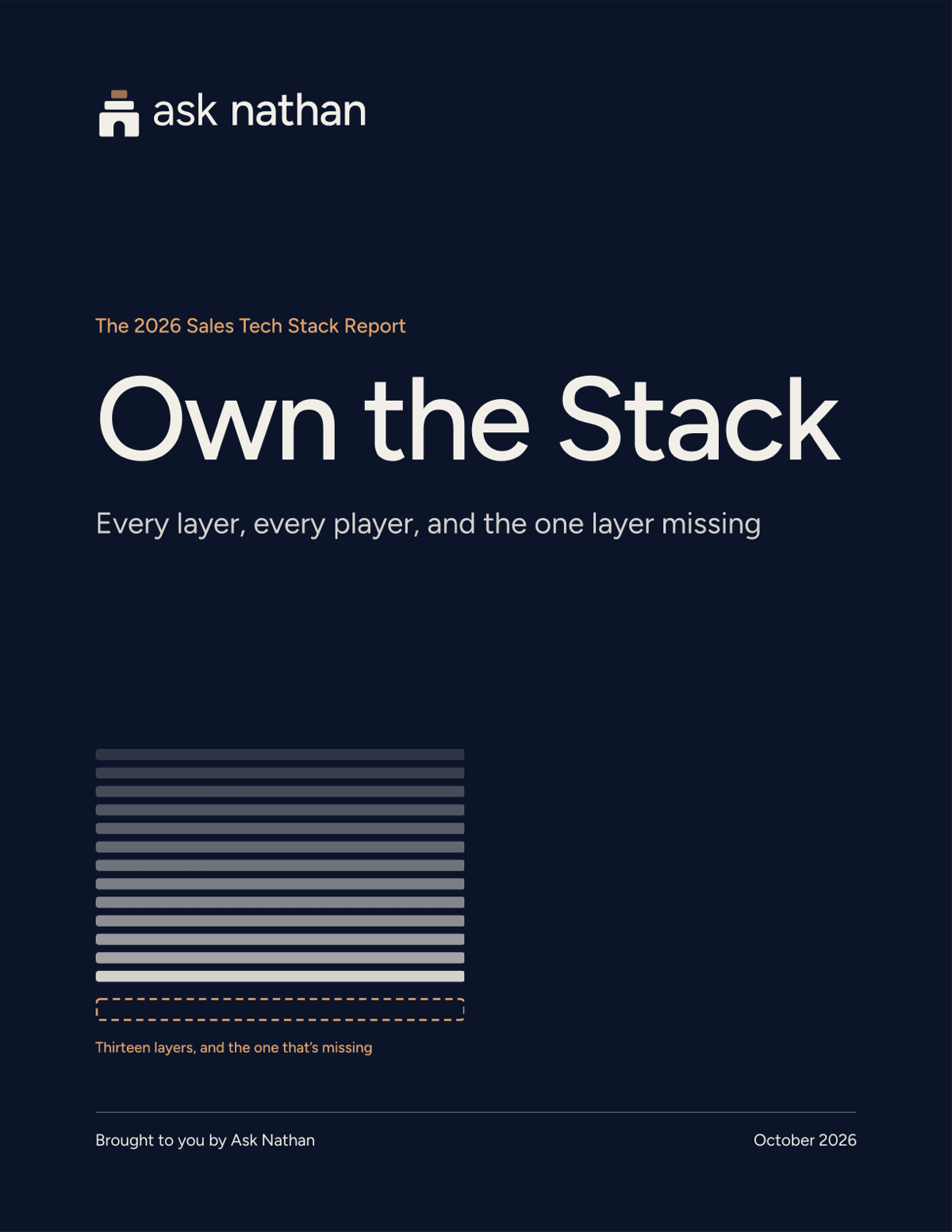
    For a map of every layer in the 2026 sales tech stack, what each one does and where it stops, see Own the Stack: the 2026 sales tech stack report

    Cover of the Own the Stack report

    Free report + webinar

    Where does your sales stack stop?

    Own the Stack: understand every layer of the 2026 sales stack, what it’s for, where it stops, and the layer that’s been missing, until now.

    Own the Stack maps all 13 layers of the 2026 sales tech stack: what each one does, where it stops, and the trust layer none of them covers. Get the 33-page report free when you register for the 35-minute recorded webinar.

    Get the report + webinar

    See it on your own accounts

    Upload a CSV or paste account context. No CRM connection required.

    Private beta · Ask Nathan reads only what your team connects · Verify before you act.