Trust intelligence for sales teams.
Know who knows.
Then walk in warm.
Someone you know already knows your buyer. Ask Nathan finds them, shows how well they know each other, and lines up the intro.
Illustrative: Nathan searches your network and finds the warm path into Meridian, through Priya Raman, with Path Confidence 84.
Private beta · Connects to HubSpot or Salesforce, a Google Sheet and your team’s calendars, and answers inside Claude. No CRM? Bring your pipeline sheet → · · See how it works
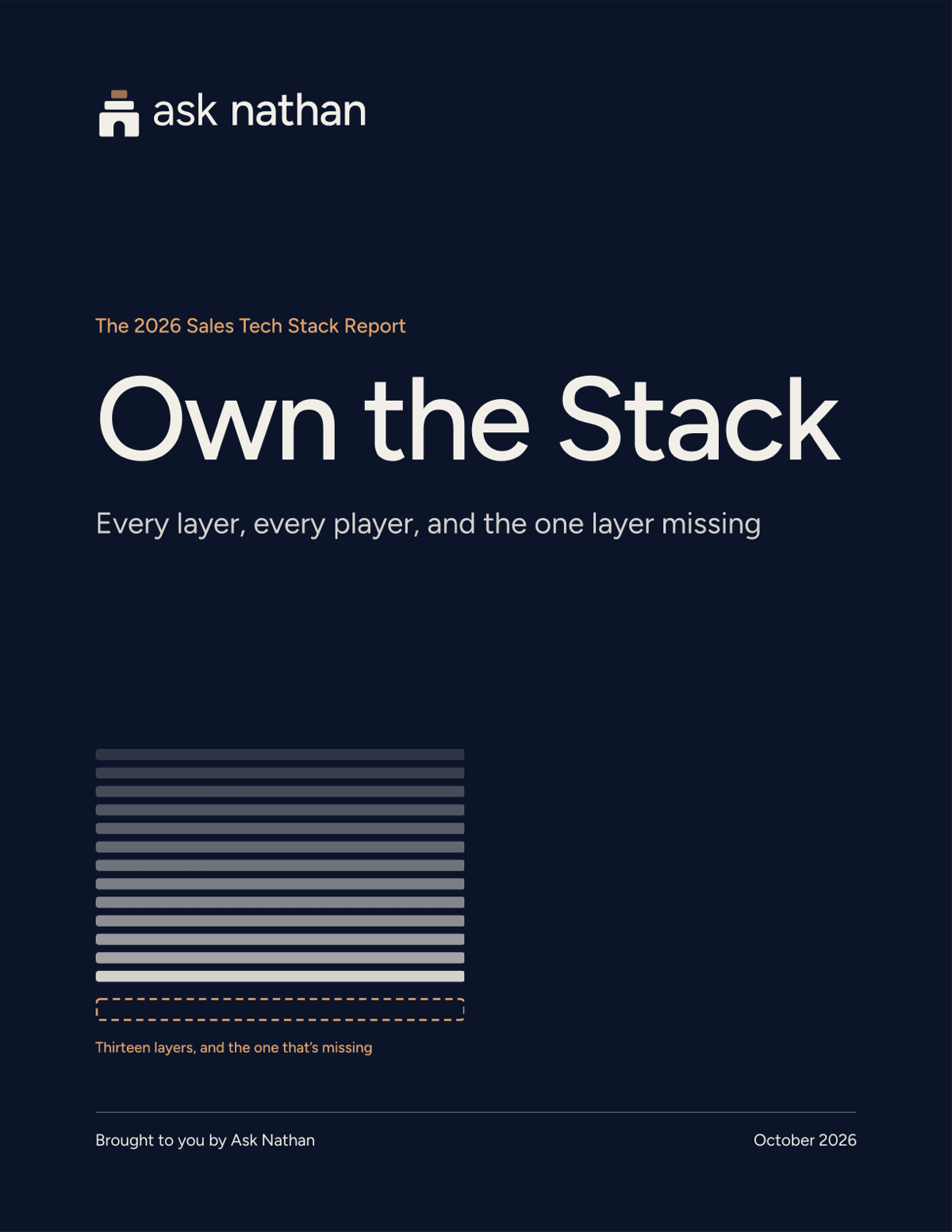
Own the Stack · Free report + webinar
What your sales stack can’t see
Every layer of the 2026 sales tech stack: what each one does, where it stops, and the trust layer that’s been missing, until now.
- 33-page report, yours when you register
- 35-minute recorded webinar
Watch it work
The trusted path, in two minutes.
Trust intelligence on your pipeline sheet
No CRM? Bring your pipeline sheet.
Ask Nathan reads the sheet you connect, syncs the tabs you choose and looks for the warm path into each open deal: who can get you in, Path Confidence, the Why and the next step. Your own Claude fills them in beside each deal after your yes, if it can edit Google Sheets, or gives you the table to paste.
Step 1
Start from a free template
FreeThree sheets for Google Sheets or Excel, with stage dropdowns, a dashboard and columns for Ask Nathan's answers.
Step 2
Or optimize the sheet you have
Paid plans and founding pilotsYour Claude can reshape it into an Ask Nathan format. The prompt tells it to show you the plan first and never delete your columns or values.
Step 3
Then a warm path into each deal, where one exists
Every planConnect it on its own or beside your CRM, or upload it. Ask Nathan looks for a warm path into each open deal.
ComingThe Ask Nathan add-on for Google Sheets. Paid members get it first.
| Deal ID | Account | Stage | Warm path via | Path Confidence | Path Why | Path next step | Intro status |
|---|---|---|---|---|---|---|---|
| S-001 | Northwind Traders | Meeting booked | Dana Lee (VP Sales) → Priya Shah (CRO) | 72 (high) | Example: Dana and Priya worked together at Contoso for three years. | Ask Dana for an intro to Priya | Not requested |
| S-002 | Fabrikam | Pilot live | no warm path yet |
01The problem
The need for trust has never been higher.
- Committees grew: 13 + 9 people shape the typical purchase. Source: Forrester, State of Business Buying 2026.
- Outreach went infinite: Gartner predicts AI agents will outnumber sellers 10 to 1 by 2028. Source: Gartner, 2026.
- Sellers are overloaded: 72% of sellers feel overwhelmed by the skills the job demands. Source: Gartner, 2024.
- AI is where work happens: The two leading AI providers each sit in about 40% of US businesses. Source: Ramp AI Index, June 2026.
- Trust is now the scarce signal. Ask Nathan maps every warm path across your team, and answers inside Claude.
02How it works
From scattered signals to a path you can trust.
- Connect, Sources: HubSpot, Salesforce, Google Calendar, Microsoft 365 Calendar, Claude, LinkedIn export, Attendee and target lists, Pipeline spreadsheet, Google Sheets.
- Resolve, The trust graph: One person, matched across every source. When unsure, link nothing. Your team links through people they know to the buyer, along the warm path.
- Score, Path Confidence: relationship strength, recency, meetings together, verified intro, reply speed, × fit to the target account. Same evidence, same score. Illustrative example: 81.
- Act, Walk in warm: Path brief, then Verified Intro, then Outcome logged.
Every outcome becomes a verified edge, so the graph gets more true.
See how it works →03The product
One graph. Four ways to walk in warm.
Relationship graph
Every path in, scored
Who knows whom at each account, with Path Confidence and the reasons.
See how →Deals
Your top five, warm
Your biggest open deals, each with its strongest path and a Verified Intro.
See how →Events
Work the room first
Drop in the attendee list and see who you can reach, and through whom.
See how →Interactions
Every handshake counts
Tap who you met and what you promised. Your team can walk in on it.
See how →
New · Interactions
Every handshake becomes memory.
Walk the floor, take the call, grab the coffee. Tap who you met, how it went, what you promised. Ask Nathan turns it into a verified relationship your whole team can walk in on.
Three moments from the Ask Nathan app, for a fictional team: Daniel Okoye, CRO at Meridian Networks, is marked met with a long conversation that went well, tied to the Meridian expansion deal, with a promise to email on Thursday; the path from Priya Raman to Daniel scores Path Confidence 71, high, on one long conversation, two meetings since April and a LinkedIn connection since 2024; and the follow-up email is drafted and ready to send.
- 01
Tap, don't type.
Met, card, a promise: two taps per person. Or tell Claude to log it from your meeting notes.
ComingName badge, business card, LinkedIn screenshot, voice memo.
- 02
It scores, verified by you.
A long conversation at an event counts like a 1:1 meeting.
ComingCoffee, dinner, a kids' game: the relationships a calendar can't see.
- 03
Tomorrow's follow-ups, drafted.
Due today, this week, later. One tap opens the email or the LinkedIn note.
ComingDrafted from what you said you'd do.
The film · 80 seconds
Every handshake becomes memory.
How it went stays inside your workspace. Nothing sends itself.
04Ask Nathan in Claude
Not a ninth tab. Ask in Claude.
Add the Ask Nathan connector and Claude answers from your team’s relationships, and logs your meetings back to them.
tools the average rep already uses to close one deal.
Salesforce.
of sellers feel overwhelmed by too many tools.
Salesforce, State of Sales, 2026.
Ask
Who can get me in?
Who can get me into Meridian Networks?
Ask Nathan · find_paths
Your strongest path is through Priya Raman on your team:
6 meetings since January (last Sep 12) · 1 shared event · LinkedIn since 2021
Marcus Lee has a second path at 64. Want the path brief?
05Path Confidence
One number for how warm the path really is.
Every path gets a score from 0 to 100, computed from evidence your team can see. The same evidence always gives the same score, and your team’s verifications move it.
- Meetings and recency
- Calendar and CRM activity: how often, how lately.
- Shared events
- Met at the same event, confirmed.
- Tenure
- A LinkedIn connection never decays.
- Your team’s word
- Confirmations, and intros that worked.
06Integrations
Works with what your team already uses.
- HubSpotReads onlyLive
- SalesforceReads onlyLive
- Google CalendarMetadata onlyLive
- Microsoft 365 CalendarMetadata onlyLive
- ClaudeConnectorLive
- LinkedIn exportYour own fileLive
- Attendee and target listsCSV or pasteLive
- Pipeline spreadsheetCSV or Excel uploadLive
- Google SheetsWorkbooks, reads onlyLive
- Spreadsheets and notesBrowser-only scanLive
Ask Nathan reads only what your team connects, and never writes to your CRM.
Add your LinkedIn in two minutes
LinkedIn’s own export, your own file, no password. The walkthrough shows every click, and your reachable network grows the moment it lands.
Read the guide →Find the warm path into your next deal.
Ask Nathan who can get you in.
Buying for more than 8 people? See larger teams
Not ready to ask yet? Start with Own the Stack: the free 2026 sales stack report and recorded webinar. Get the report + webinar